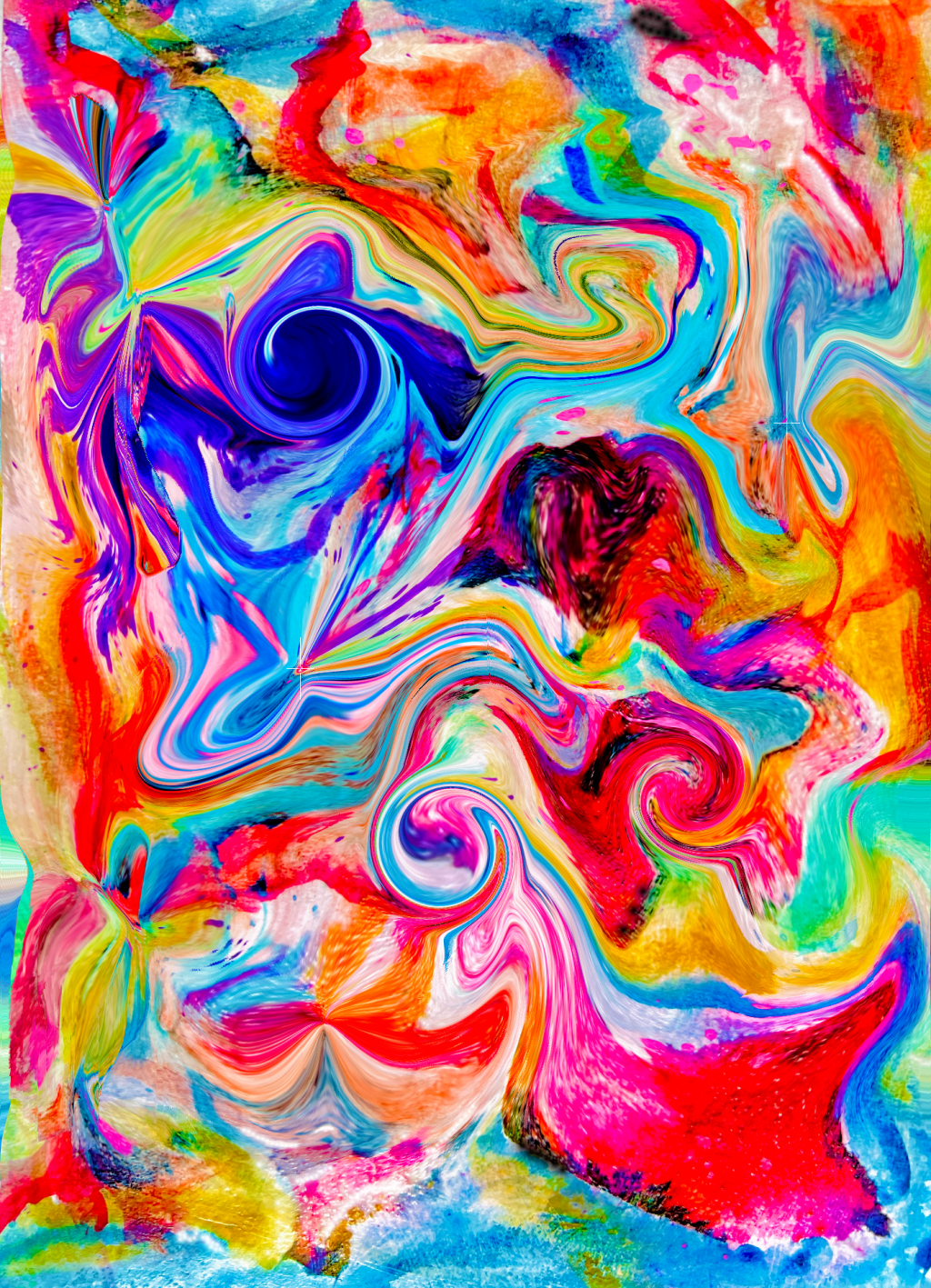
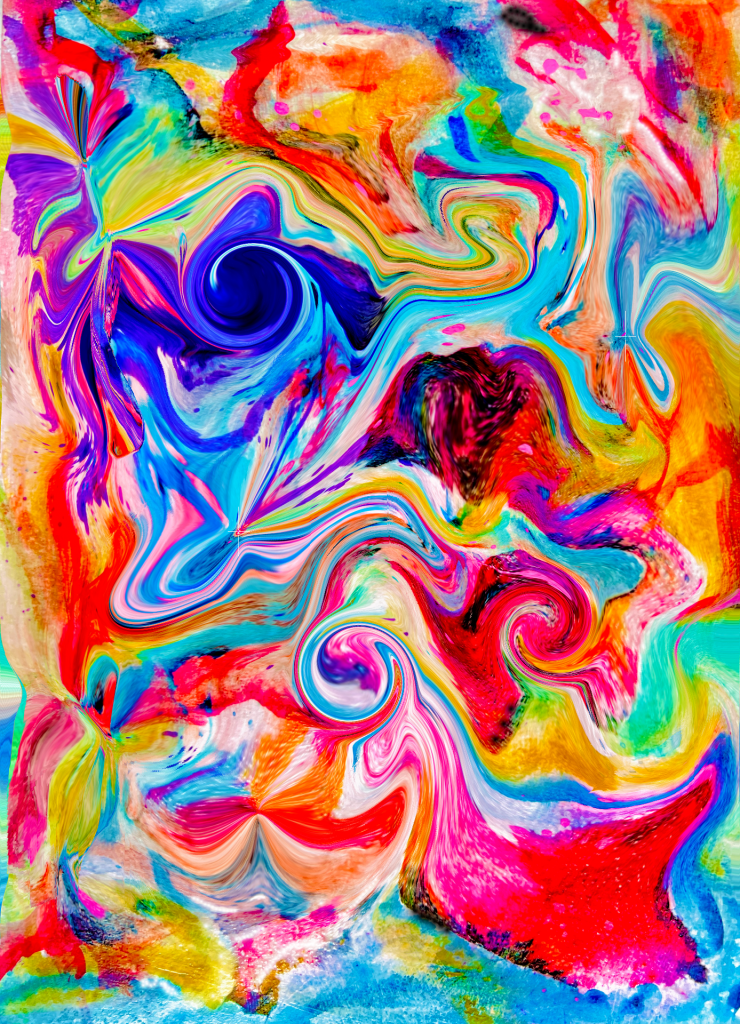
I just started playing with the free version of Pixlr, a cloud-based set of image tools and utilities, including a photo editor with a direct web interface. It’s user-friendly and accessible, making it a good choice for quick edits and tasks that don’t require the depth of Photoshop. Pixlr offers both mobile and desktop versions.
There are a bunch of different effects and of course, AI tools to experiment and play with. You can see how addicting it might be, definitely a time killer, if you have the luxury of extra time, you can check it out here!
My original mixed media collage is below, and then I used the Liquify tool to swirl, twist, enlarge, and shrink, the possibilities are endless!


 Tiffany Arp-Daleo Artwork

Leave a comment